The 1xBet APK: Your Android Setup, Step by Step
You get a new phone, or you're finally tired of betting through a cramped mobile browser, and a mate tells you the 1xBet app runs far smoother. You search, you find an APK file, and then Android throws up a warning you've never seen before. That moment of hesitation is exactly where this guide starts: your Android setup, step by step, from the first download tap to a signed-in, working app — and what to do when something along the way refuses to cooperate.
What the 1xBet App Actually Gives You Day to Day
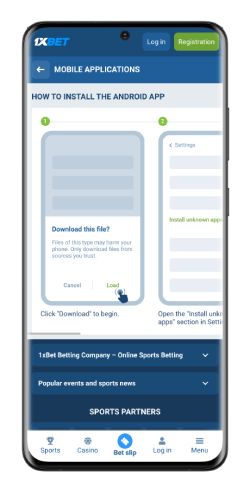
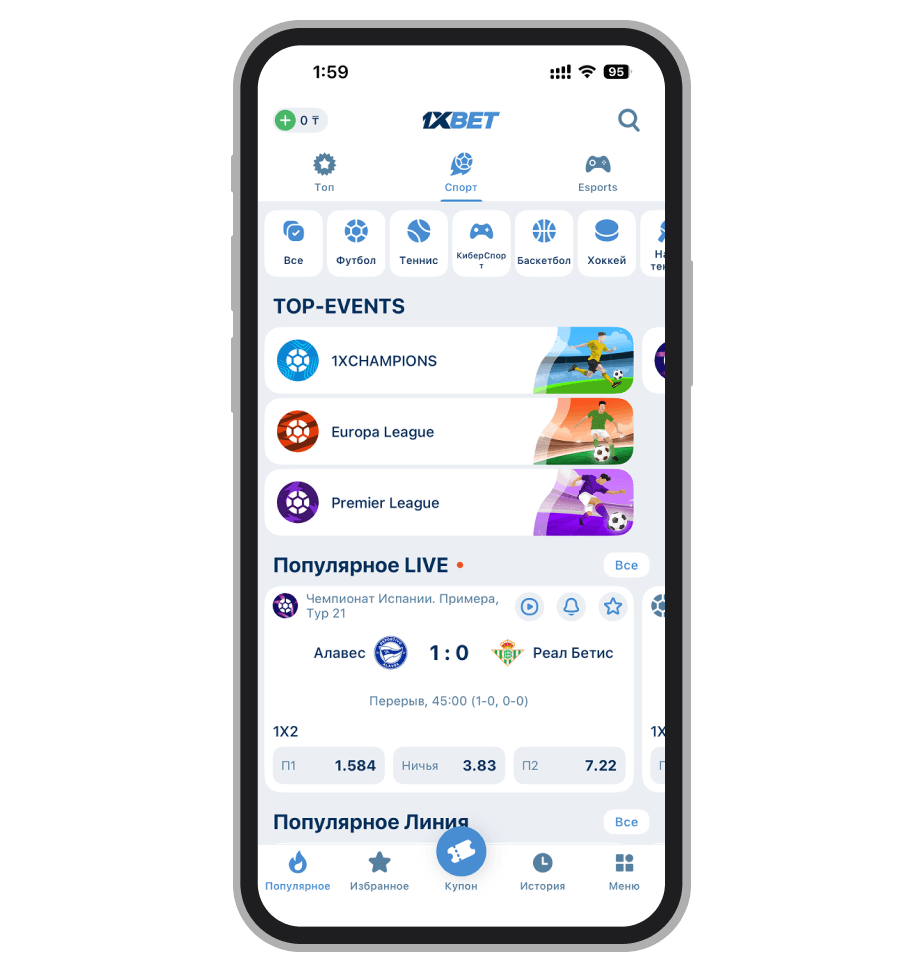
The APK is the Android installation file for the full 1xBet platform, packaged so it can be installed directly rather than through an app store. Once it's on your phone, it behaves like any other app: an icon, a login, and the whole service behind it. Day to day, that means pre-match and live sports betting with odds that refresh in real time, a casino section with slots, table games and live dealer rooms, plus your account wallet, deposit and withdrawal options, bet history and profile settings all in one place. Notifications for settled bets or followed events are part of the deal too. Exact features and layout shift between releases and regions, so treat this as a general picture rather than a fixed menu.
- Pre-match and in-play betting across a wide range of sports and markets
- Casino games, including live dealer tables, inside the same app
- Deposits, withdrawals and a full transaction history
- Account settings, verification and support access without a browser

Getting the File onto Your Phone
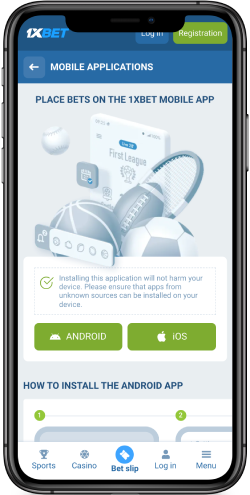
Because the app generally isn't distributed through the standard app store, you download the APK file directly to your device. The single most important habit here is source checking: get the file from the 1xBet website itself, reached by typing the address or using a bookmark you trust — not from a link forwarded in a chat, a pop-up ad, or a random "free APK" repository. Repackaged files circulating on third-party hosting sites can be outdated or tampered with, and there's no easy way to tell by looking at the icon.
A sensible routine takes under a minute: open the site in your phone's browser, find the mobile app section, and confirm you're on the genuine domain before tapping anything. The dedicated 1xbet apk latest sports app area of the site is where the app is presented, and from there you can reach the Android file. Once you tap download, the APK lands in your Downloads folder, and your browser may ask you to confirm that you want to keep the file — that's standard behaviour for this file type, not a sign of trouble.
Installing It, One Permission at a Time
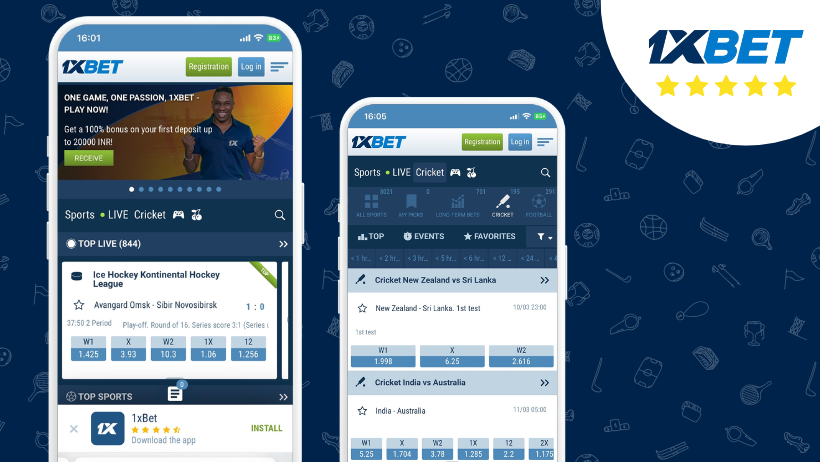
Here's where most people stall. Android blocks installs from outside the Play Store by default, and the fix is a permission called "install unknown apps." Modern Android versions grant this per app-source — meaning you allow your browser or file manager to install, not the phone as a whole. The flow usually looks like this:
- Touch the downloaded APK from your notification shade or Downloads folder.
- When Android warns you, follow the prompt to Settings and enable installs for that specific source (your browser or file manager).
- Return to the file, touch it again, and confirm the installation.
- Open the app, sign in or register, then go back and switch the unknown-sources permission off again.
That last step is worth the ten seconds it takes — revoking the permission afterwards means nothing else can quietly install through that source later. If you'd rather walk through the sequence with the file in front of you, the 1xbet apk latest app install sits alongside the file itself, so you can follow along on the same screen you downloaded from.
Keeping the App Current
Since there's no store handling updates automatically, the app maintains itself. It will typically flag a new version on launch and offer to download it, and the update installs over the top of the old one, keeping your login and settings intact. One technical detail matters here: Android only accepts an update signed with the same certificate as the installed copy. An update signed by a different certificate will fail outright — which is actually a protection, since it stops a tampered file from overwriting your genuine app.
If you ever need to uninstall and reinstall fresh, be aware that removing the app can wipe locally stored data like saved sessions or cached settings, though your account itself lives server-side and survives. Ignore update prompts for long enough and you may eventually hit features that misbehave or a login that nags you to update first.
| Update route | What happens |
|---|---|
| In-app prompt | Downloads and installs over the existing version |
| Fresh APK from the site | Installs as an update if the signature matches |
| Uninstall, then reinstall | Clean slate; local app data may be lost |
When the Install Won't Play Along
Most failures have boring causes, which is good news — boring is fixable. Work through these before assuming anything is seriously wrong:
- "App not installed": often a leftover older version with a conflicting signature; uninstall the old copy first, then retry.
- Parse or package errors: usually a corrupted or incomplete download — delete the file and grab it again on stable Wi-Fi.
- Blocked by default: the unknown-sources permission was never granted, or was granted to a different source than the one you're opening the file with.
- Not enough storage: free up space and try again; cramped storage can also cause crashes after a successful install.
- Play Protect warnings: a generic caution about apps from outside the store; it doesn't automatically mean the file is harmful.
If the app installs but crashes on launch, clearing its cache or reinstalling from a freshly downloaded file resolves the majority of cases.
App or Browser: An Honest Comparison
The mobile website needs no installation, no permissions, and no updates — it just works wherever the site is reachable. The app asks for a few minutes of setup and rewards you with speed, push notifications, and an interface built for thumbs rather than cursors. Neither choice is permanent; plenty of people keep both.
| APK app | Mobile site | |
|---|---|---|
| Setup | Download plus one permission | None |
| Updates | In-app prompts | Automatic |
| Notifications | Yes | No |
| Storage used | Some | Practically none |
If your phone is old, low on storage, or you simply bet occasionally, the browser version is a perfectly reasonable home. If you bet in-play often or want settlement alerts the moment they land, the app earns its place on your home screen.
FAQ
Is the APK file itself safe to install?
The file is only as trustworthy as its source. Downloaded from the genuine 1xBet site, it's the standard way the Android app is distributed. The risk comes from lookalike copies on third-party hosting pages, which is why checking the domain before downloading matters more than anything after it.
Why does my Android sometimes warn me during installation?
Because the file arrives from outside the Play Store, Android asks you to explicitly allow installs from whichever app — browser or file manager — is handling it. It's a one-tap permission, and you can switch it back off straight after the install finishes.
Will updating the app log me out or wipe my bets?
A normal update installs over the existing version and keeps your session and settings. Your account, balance and history live on 1xBet's servers regardless. Only a full uninstall risks losing locally stored data on the phone.
What if the update refuses to install on a new phone?
A failed update with a signature error usually means the new file came from a different source than the original install. Delete it, download fresh from the genuine site, and try again — or uninstall first if the conflict persists.
Do I have to use the app, or is the browser enough?
The mobile site covers the same core betting and account functions with zero setup. The app adds speed and notifications. Choose whichever fits how you actually use your phone — you can switch between them freely.